Telegram Ads Org: What It Is, How It Works, Cost
New to ads.telegram.org? A plain-English guide to what it is, what you need, what it costs, and a simpler option from 1 USDT.
By Aaron, PAYchat founder · PAYchat team · Updated
If you typed "telegram ads org" into Google, I'm guessing you want ads.telegram.org. That's Telegram's official site for buying ads. And if the site left you a bit lost, you're not alone. It isn't hard. It just isn't explained very well.
So let me walk you through it the way I'd explain it to a friend: what it is, what you need, what it costs, and what to do if it's not your thing.
So what is ads.telegram.org, really?
It's Telegram's own ad shop. You log in, write a tiny ad, add money, and Telegram shows it inside channels.
The ad is called a sponsored message. Picture a small text box with a button and an "ad" label on it.
Here's what I'd want you to know before anything else:
- Telegram shows your ad. The channel doesn't post it. You're paying for views, not for a spot in the channel's feed.
- Only bigger public channels count. That means public channels with more than 1,000 subscribers.
- No chats. Your ad won't show up in group chats, private messages or bots.
What do you need before you start?
Good news first: there's no new account to create. You sign in with the Telegram account you already have. Then you say whether you're a person or a company and leave some contact details.
After that, you'll want three things ready:
- Somewhere on Telegram to send people. Your button can't open a regular website. It has to open a channel or a bot. If all you have is a website, sort this out first.
- A really short message. You get 160 characters, tops. That's about one sentence, so every word has to earn its place.
- A list of channels. You choose where you show up by pasting each channel's link.
How does your ad actually go live?
It's four steps, and none of them are scary.
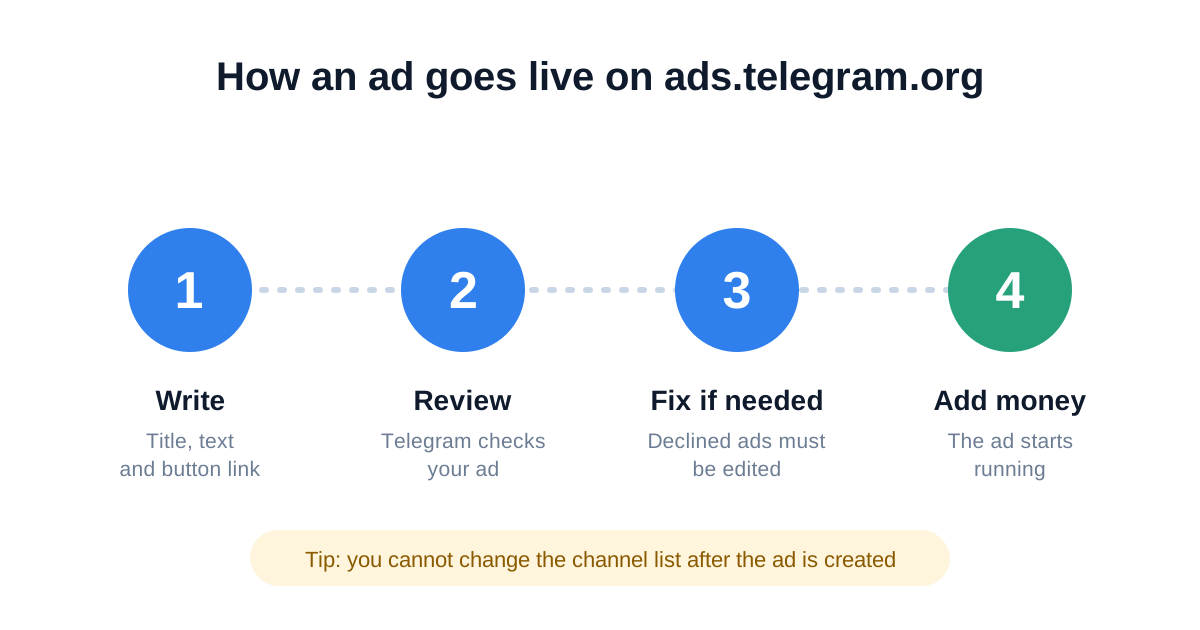
- You fill in three boxes: Title, Text and URL. The URL turns into your button.
- You send it off for review. Telegram checks it before it can run.
- If it gets declined, don't panic. Fix it and send it again.
- You add money, and the ad starts.
Now, two things catch almost every beginner off guard:
- You can't edit your channel list later. Want different channels? You'll have to copy the ad and set it up again.
- Premium users won't see you. Telegram hides sponsored messages from people who pay for Premium.
Okay, but how much does it cost?
Here's the part that trips people up: there's no price tag.
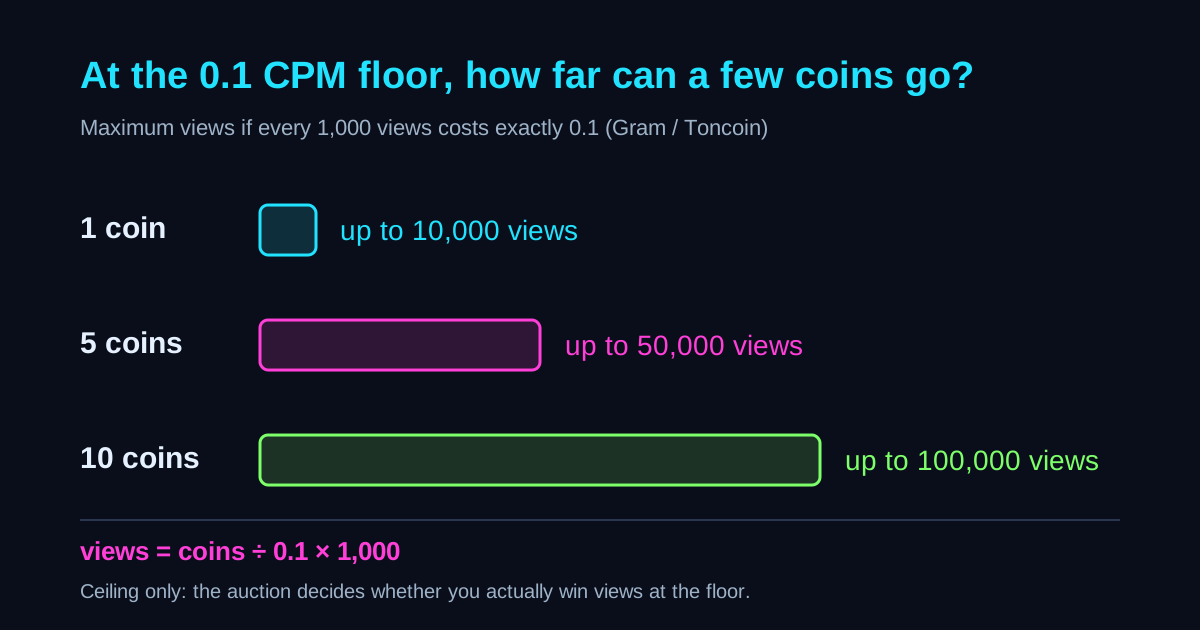
You bid, and you pay for every 1,000 views. That's called CPM, which is just short for "cost per thousand views". When more people bid for the same channels, the price goes up.
Telegram's own help page lists prices in Toncoin, and the lowest bid on it is 0.1 Toncoin per 1,000 views. Your ad keeps running until your money runs out.
So how much do you need to put in to get started? That's the fuzzy part. Guides online don't agree, because some people open a direct account and others go through an agency. So don't trust a number you read on a blog, this one included. Open the budget page in your own account and look there.
If you're stuck choosing between paying in TON and paying in USDT, I broke that down in Telegram Ads and TON: How to Pay, and the USDT Option.
Is there another way to advertise on Telegram?
Yep. You can skip the bidding and just pay a channel to publish your ad as a normal post. It sits right in the feed, next to everything else the channel shares.
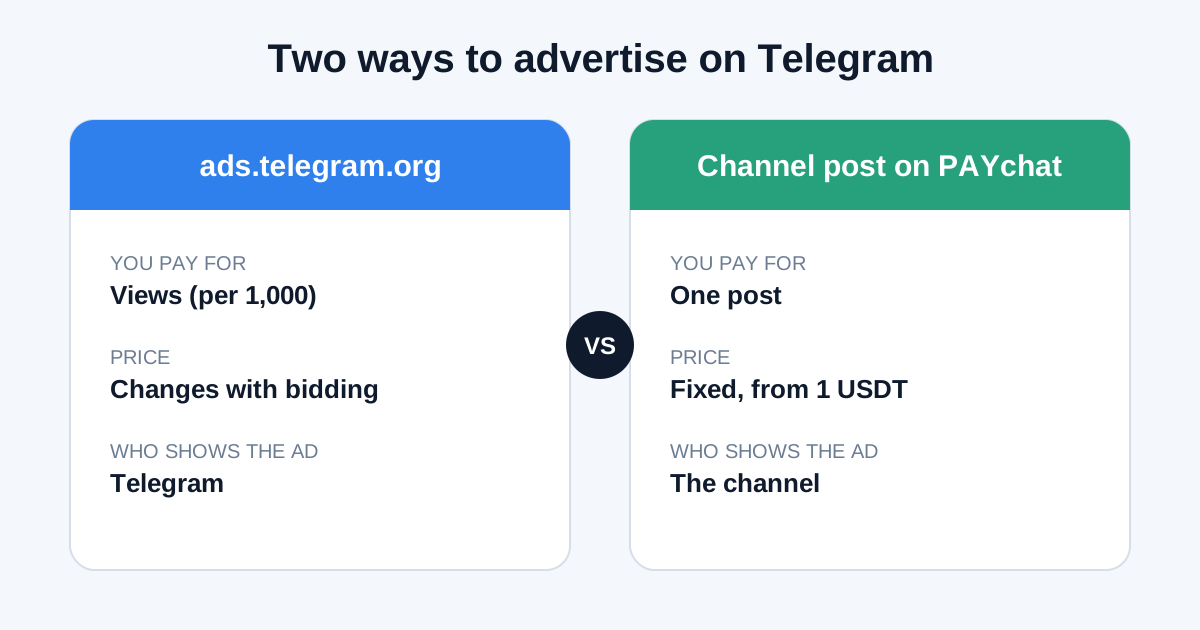
Here's the quick side-by-side:
| ads.telegram.org | A channel post | |
|---|---|---|
| You pay for | Views | One post |
| Price | Moves with bidding | Fixed, and you see it before you pay |
| Who puts the ad up | Telegram | The channel itself |
Neither one is "better". They're just built for different jobs.
Where does PAYchat fit in?
PAYchat is one place to buy those channel posts, and it works right inside Telegram.
You pick a channel, you see its price, and you pay in USDT. That's the whole idea. There's no bidding, and posts start from 1 USDT, so you can try it without betting your whole budget.
Two details are worth knowing. Your money sits in escrow, which just means it's held safely in the middle until the channel actually posts your ad. And as an advertiser you don't pay anything on top: the fee is 0%.
Curious what real channels charge? Browse the list at paychat.info/ads, or read Telegram Channel Ads Price: What One Post Really Costs.
So which one should you pick?
Ask yourself these four questions:
- Do you want to send people to a website? ads.telegram.org needs a Telegram channel or bot as the landing spot. Plan for that first.
- Do you want to know the exact cost before you pay? Go with a fixed-price channel post.
- Do you just want a small test? One post is the smallest step you can take.
- Do you want to be in lots of channels at once and pay per view? That's exactly what ads.telegram.org is made for.
And you don't have to pick a side. Plenty of advertisers do both: sponsored messages for wide reach, plus posts in the handful of channels their customers already read.
PAYchat numbers in this guide come from PAYchat's own listing data as of Nov 10, 2026. Telegram rules are linked to official Telegram pages.
All guides and comparisons10 guides · 4 comparisons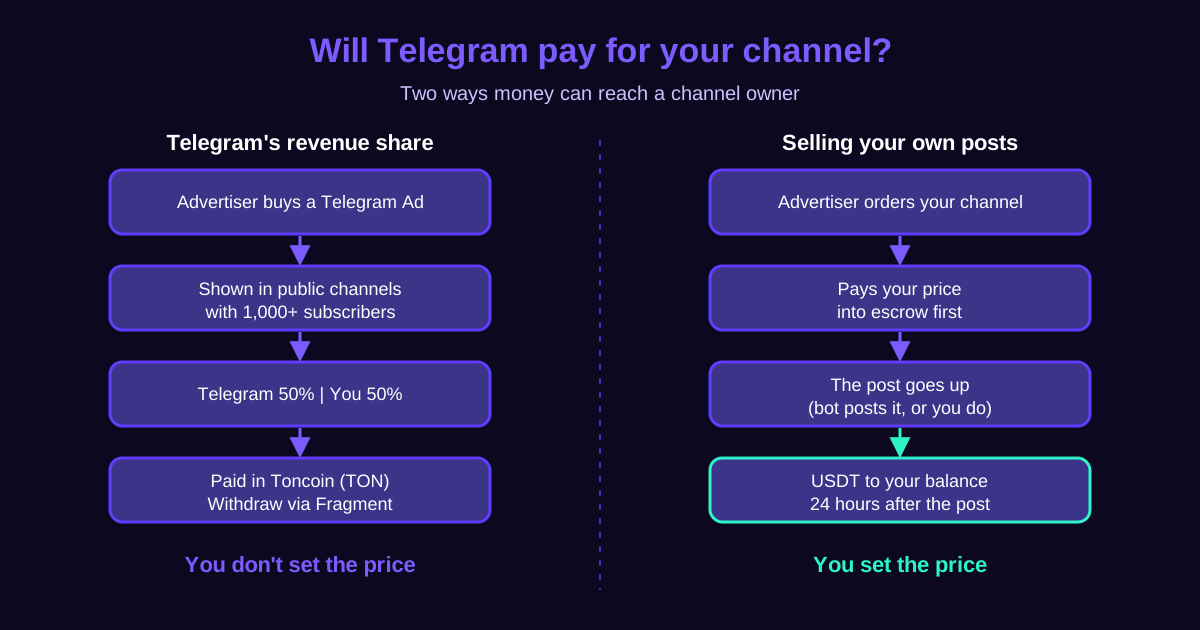
Telegram channel ads


